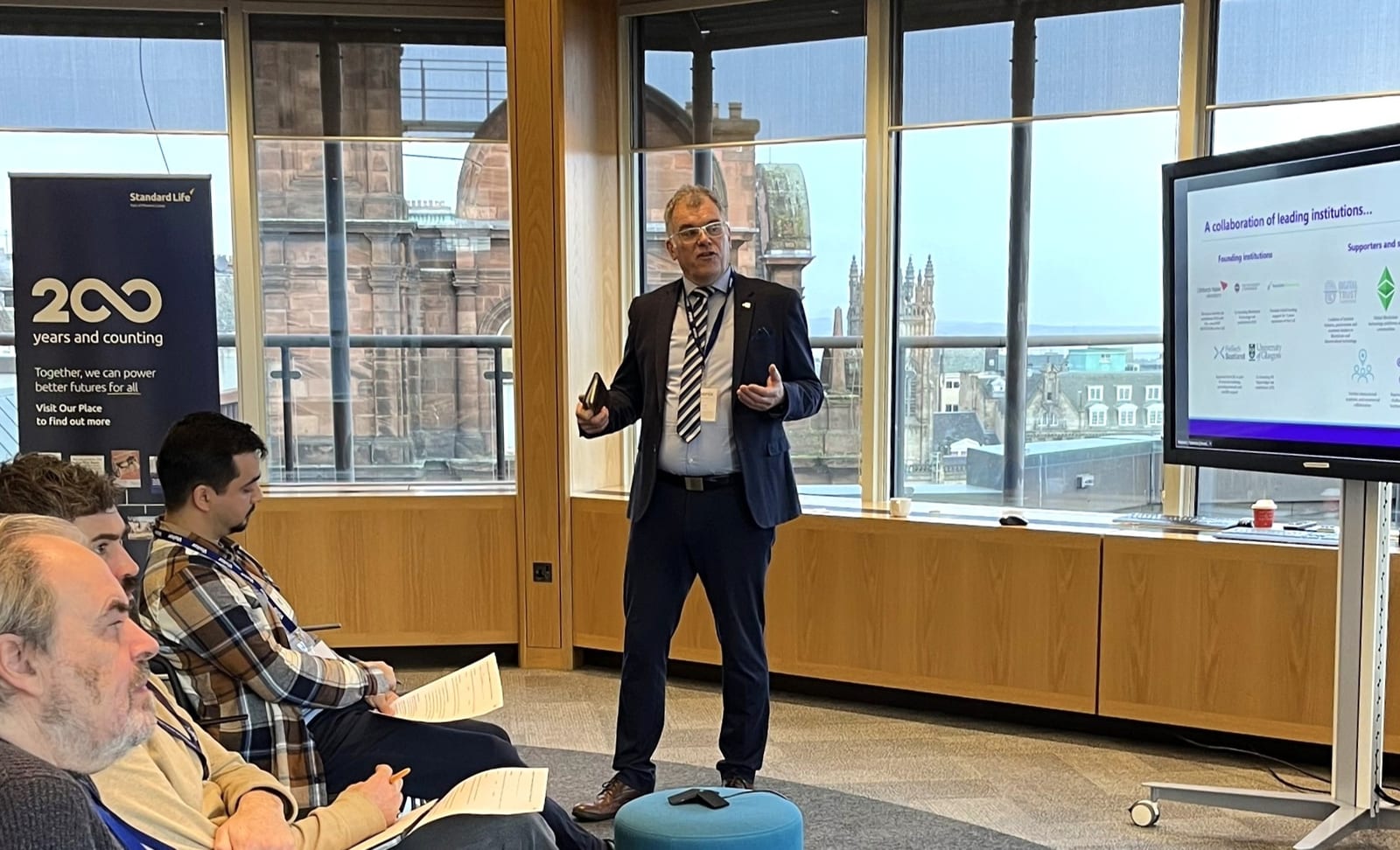




Police Scotland’s Cybercrime Harm Prevention Team Issues Warning on ‘Remote Access Scams’
Cybercriminals are becoming increasingly sophisticated with their tactics, using remote access scams to trick individuals into handing over control of their devices. According to Police Scotland’s Cybercrime Harm Prevention team, fraudsters often pose as trusted organisations, using technical jargon to convince victims to grant them access to their computers or smartphones.
While the scams may seem legitimate, with fraudsters claiming to be from banks or internet providers, these schemes have resulted in substantial financial losses for victims. The Cybercrime Harm Prevention Team warns that these scams typically involve the fraudster requesting remote access to a victim’s device, often under the guise of needing to resolve a technical issue or to conduct a software update.
As Gordy from Neighbourhood Watch Scotland notes, “This is most likely a scammer as no-one from a bank, local or government authority would ask you for remote access to your device or to do a software download.”
Victims are urged to remain vigilant and to never grant remote access to their devices without verifying the authenticity of the request. The team advises individuals to be cautious when receiving unexpected phone calls or emails requesting sensitive information, as these could be indicators of a remote access scam.
To protect against these scams, individuals should follow robust cybersecurity practices, including securing their passwords, enabling two-factor authentication, and keeping their devices updated with the latest security patches.
In the event of falling victim to a remote access scam, individuals should immediately contact Police Scotland’s non-emergency number, 101, to report the incident and seek guidance on how to proceed.
Remote Access Scams Warning
While cybercriminals constantly develop new ways to target unsuspecting victims, remote access scams have emerged as one of their most deceptive tactics. Police Scotland’s Cybercrime Harm Prevention Team has noticed an alarming increase in these scams, where criminals pose as trusted organisations like Microsoft to trick you into giving them control of your computer. AI technologies have made it easier for scammers to identify vulnerabilities and exploit them for nefarious purposes.
You might receive a call, email, or message claiming there’s an urgent problem with your device or internet connection. The scammer will use technical jargon to sound convincing and create a sense of urgency, pressing you to act quickly. These scams have cost Australian citizens over $18.7 million in just nine months of 2022. They’ll then guide you to download remote access software, claiming it’s necessary to fix the supposed issue. Once you’ve given them access, these criminals can install malicious software, steal your personal information, or demand payment for fake services.
According to Scotland Police: “The use of technology to target both people and organisations has become more common. This can be from simple scam emails to cyber-attacks and social engineering techniques which is used to extort large sums of money from victims”.
To protect yourself, always verify the identity of anyone requesting remote access to your devices. If you receive an unsolicited call about technical issues, hang up and contact the company directly using their official phone number. Never give an unsolicited caller remote access to your computer.
Keep your devices secure with up-to-date security software and never share passwords or financial information.
If you’ve fallen victim to a remote access scam, don’t pay any ransom demands. Instead, contact Police Scotland immediately on 101 for non-emergencies or 999 if you believe you’re in immediate danger.
It’s also essential to seek help from cybersecurity professionals to secure your devices and prevent further compromise. Remember, sharing your experience with friends and family can help raise awareness and protect others from falling victim to these sophisticated scams.